A Game Designer who is ready to make worlds

Cyber Kinetic
Overview
Platform: PC
Language: C#
Engine: Unity 3D
Tools used: Unity 3D, Visual Studio, Adobe Photoshop, Google Docs, Jira
Duration: Ongoing (Jul, 2019 ~)
Role: Game Design Lead, Level designer, Korean Translator
Features I worked on
Game Design and Development
-
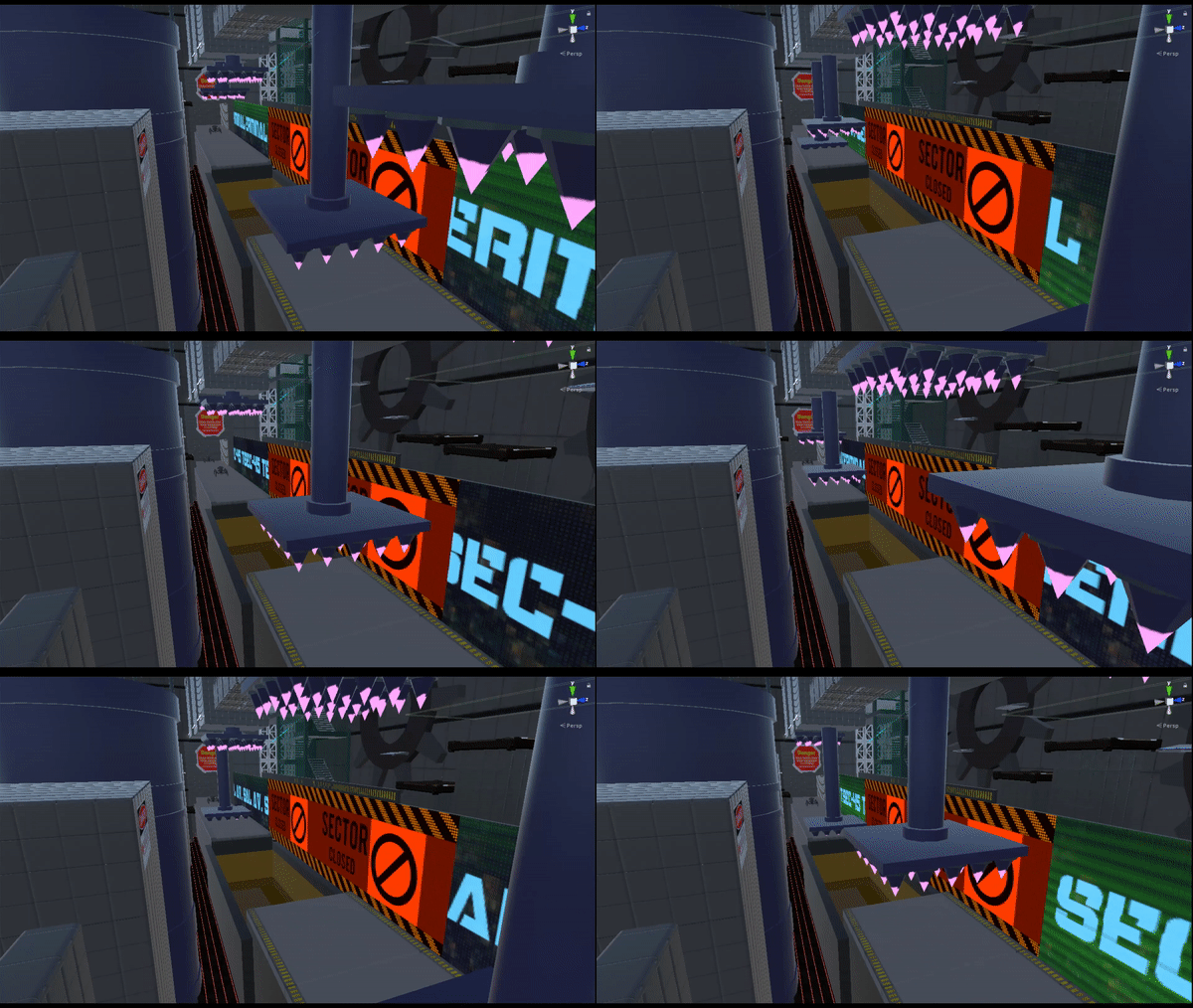
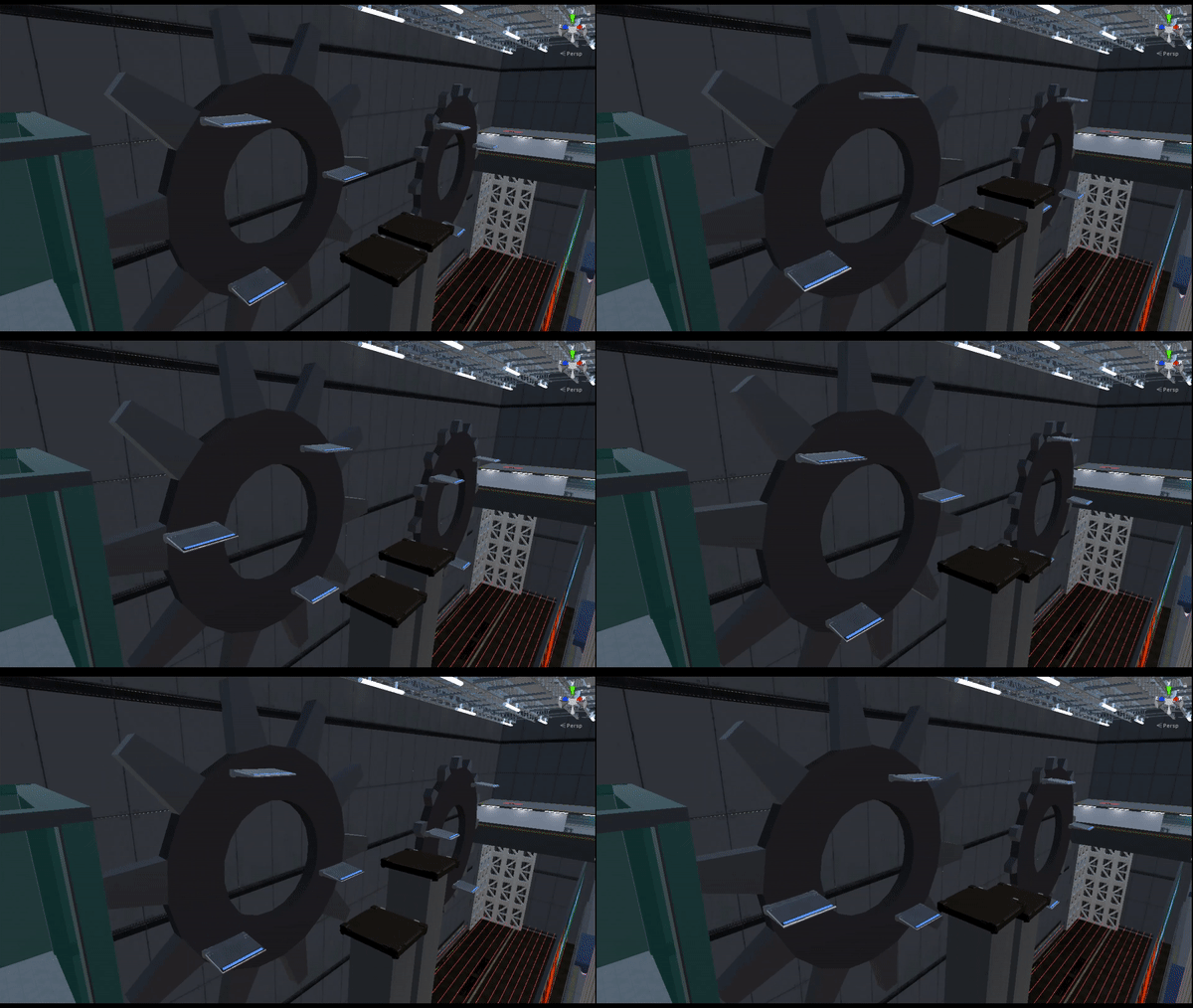
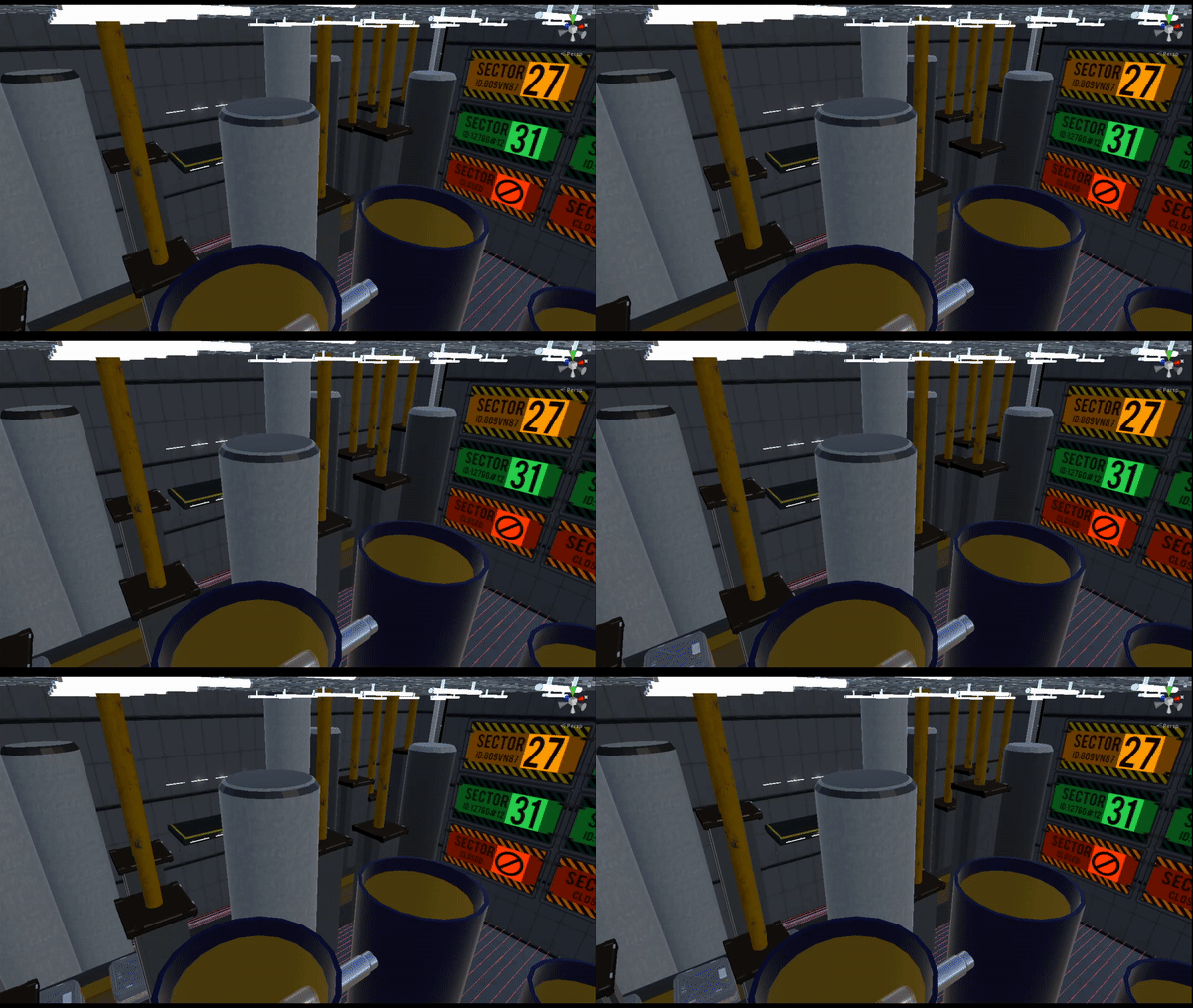
Used Unity and C# to design an underground factory level that has multiple level mechanics such as platforms on spinning cogwheels, conveyor belts with crushers above them, and large pistons
-
Implemented asset packs and made custom materials to polish the level aesthetically
-
Used C# and Unity’s state machine to create 2 kinds of robot enemies that have attack phases
-
Used C# to create a localization system for players who want to play the game in a different language
-
Translated the game into Korean
Production and Team Management
-
Held daily stand ups and weekly meetings
-
Used Jira to keep all tasks on track and manage the team’s design, development, art integration, and localization schedules and processes
-
Collaborated with artists to create and implement assets into the game
-
Used Google Forms to hold QA testing sessions with more than 40 play testers
Feature Showcase and Dev Log
1. Level Design
(1) Design intent
This level that I designed for Cyber Kinetic is the very first level of the game that gives the player the core mission of the game play and an opening of the narrative. It makes players practice the platforming mechanics and the combat mechanics which were taught in the tutorial level, by requiring them to navigate through an underground factory without falling to the ground. The player has to jump over moving platforms that are attached on to giant cogwheels and pistons, wall run on flashing billboards, and climb up pipes to navigate through the factory. In order to move on to the next level, the player has to find the main control room and shut down the factory.
(2) Play-through video
(3) Details


2. Localization
(1) Design intent
Implementing a localization system was something I was planning on doing once all the core design and development tasks are done. Since a considerable number of our play testers were Korean and Spanish speakers, I wanted them to play the final product of the game in their own language so that they can get immersed into the experience better. Also, because my team had to introduce this game to our families at our project showcase event, we wanted every single one of our family members to not have language barriers when playing our game.
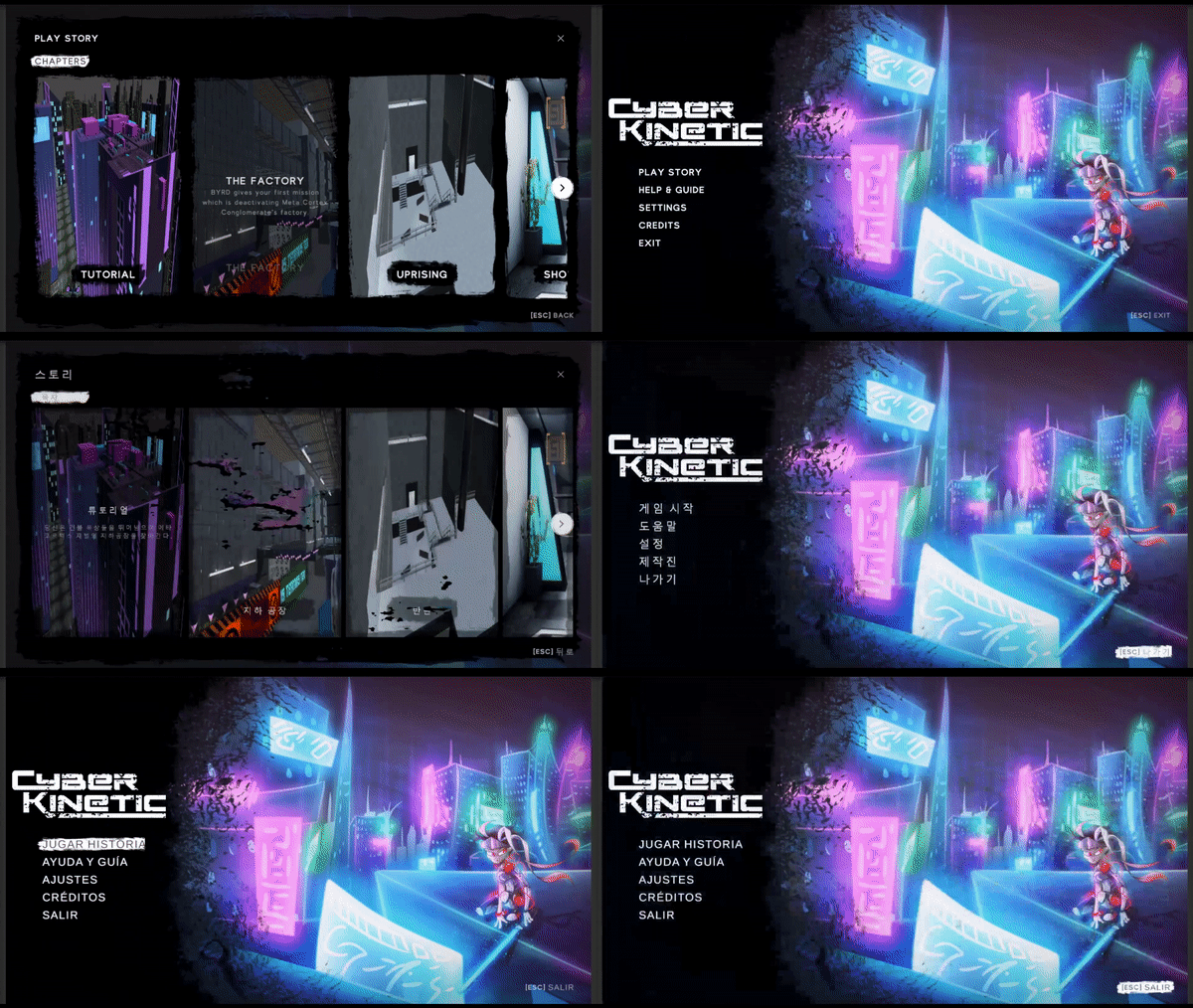
I started off by localizing the Main Menu. I created a script to detect which language is currently selected, and another script that contains the localized text values and font asset info of the UI element on which the script is attached.
One challenge of making the core of the localization system was about the font assets for each language. The default font that we used for the English text did not support Korean and Spanish. Due to this problem, I had to make two different font assets for Korean and Spanish, using Text Mesh Pro's font assets creator. Through research and trial and error, I could make it work.
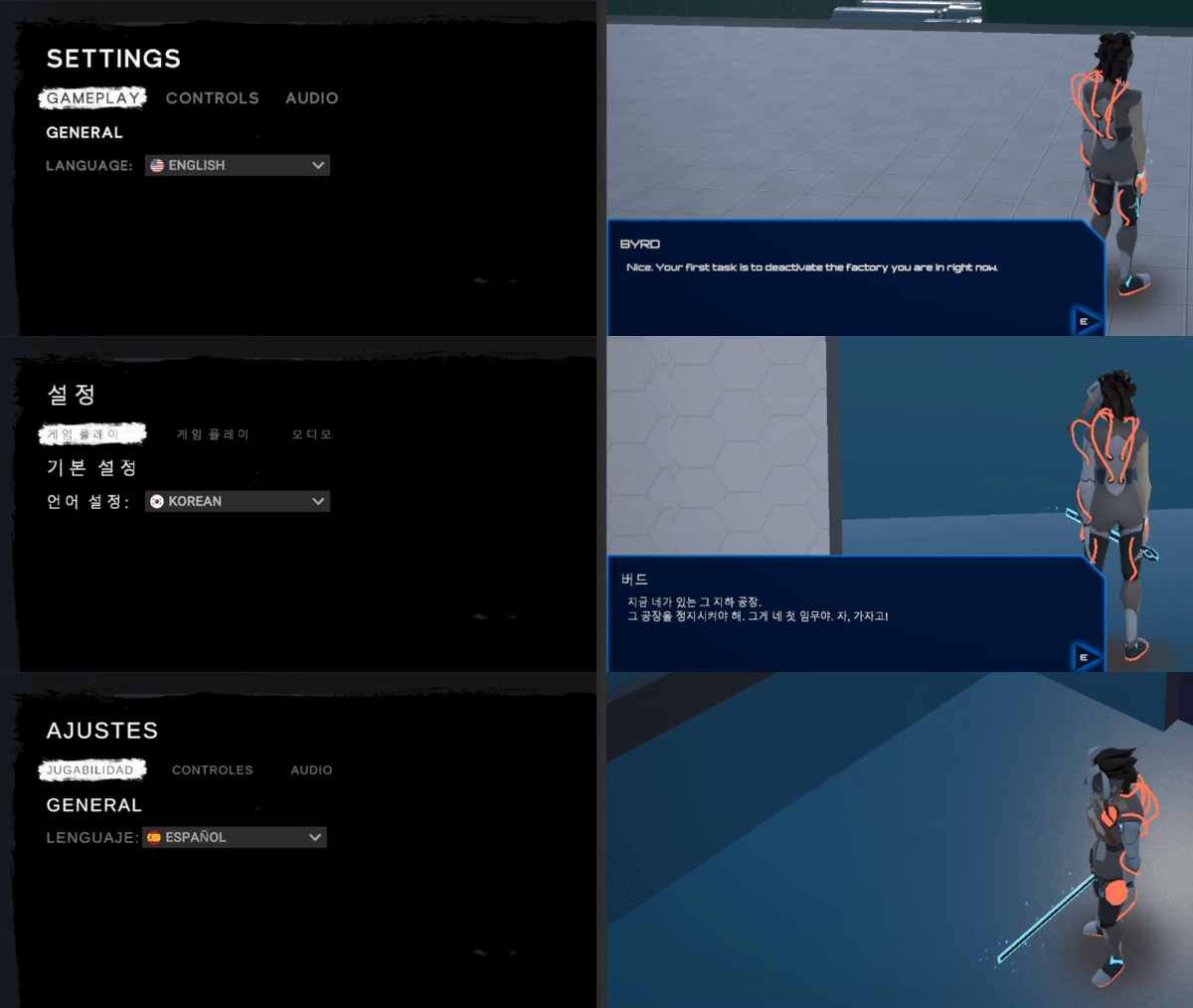
Then I moved on to making a separate system to localize the dialogues. For this, I had to remake the dialogue system we had originally so that it supports localization. For every dialogue in the game, there are three different text fields which is one for each language. Depending on the language selected, the dialogue localization script will switch the text fields that should be linked with the dialogue text box.
3. Sketch Archive


