A Game Designer who is ready to make worlds

Little Hero Story
Overview
Platform: PC
Language: C#
Engine: Unity 3D
Tools used: Unity 3D, Visual Studio, Adobe Photoshop
Duration: 1 month
Role: Level designer
Features I worked on
-
I used Unity 3D to design 2 levels in the “Treetops” chapter of the game. Both of the levels are designed as to make the player use all their mechanics dynamically and evenly.
-
I designed a hub world that connects with all three chapters of the game.
-
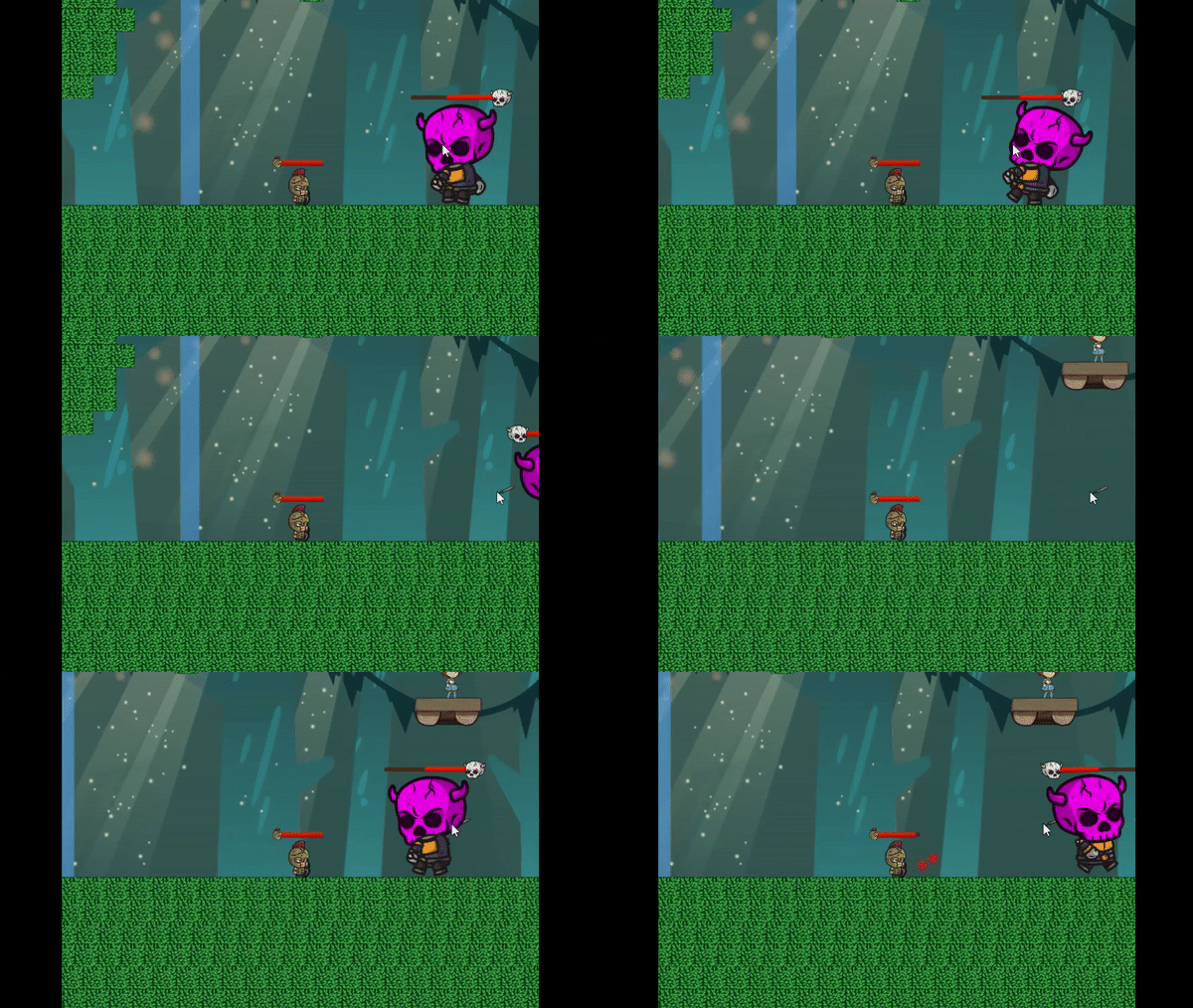
I designed a boss stage that comes after the “Treetops” level and leads to the end of the game.
-
I used C# to script the level hazards and mechanics: the moving spikes, falling spikes, and the ladders.
-
I used Adobe Photoshop to make/edit some sprites that were used in the levels.
-
I added PFI for the level hazards and a background audio for the “Treetops” chapter.
Summary
Little Hero Story is a 2D side scroller platformer that has three chapters that are based off of three different themes. I took part as the level designer in this project. Recalling the level design experience few months ago, I designed the Treetops chapter of this game.
Overall Design Process and Intent
The purpose of this project was to practice the so-called ‘bottom-up’ design method, which is build the game up from separate mechanics first. Keeping this purpose in mind, my teammates and I decided to make a side 2D side scroller game and then came up with the mechanics the player can use. The mechanics we made for the player were the basic movements (walking, running, jumping, wall jumping, and dashing), melee attack using a sword, and a range attack using a bow.
As soon as we finished the framework of the mechanics, we started discussing about how to make players use the mechanics given to them. The two big branches of achieving this were enemies that will challenge the player with combat, and levels that will require the player to use certain mechanics in order to beat them.
As soon as we finished the framework of the mechanics, we started discussing about how to make players use the mechanics given to them. The two big branches of achieving this were enemies that will challenge the player with combat, and levels that will require the player to use certain mechanics in order to beat them.
For the levels, we decided to have three chapters that all have different themes and focus on different mechanics of the player. We planned every level to have two sub levels inside them, and have difficulty ramps so that the game becomes harder as the player progresses through the chapters. The first chapter is the Sewers, which mainly focuses on the player’s basic movements. The second chapter is the Deserts, which focuses slightly more on combat. The last chapter is the Treetops, which is the level where all mechanics are combined with the highest difficulty, and leads the player to the boss.
Game Design and Development
Production and Team Management
-
Planned the flow of all 7 levels and the core concepts of them
-
Held weekly level design meetings to keep level design schedules on track
-
Used Trello to manage development tasks and document bug reports
Deep Dive into Level Design
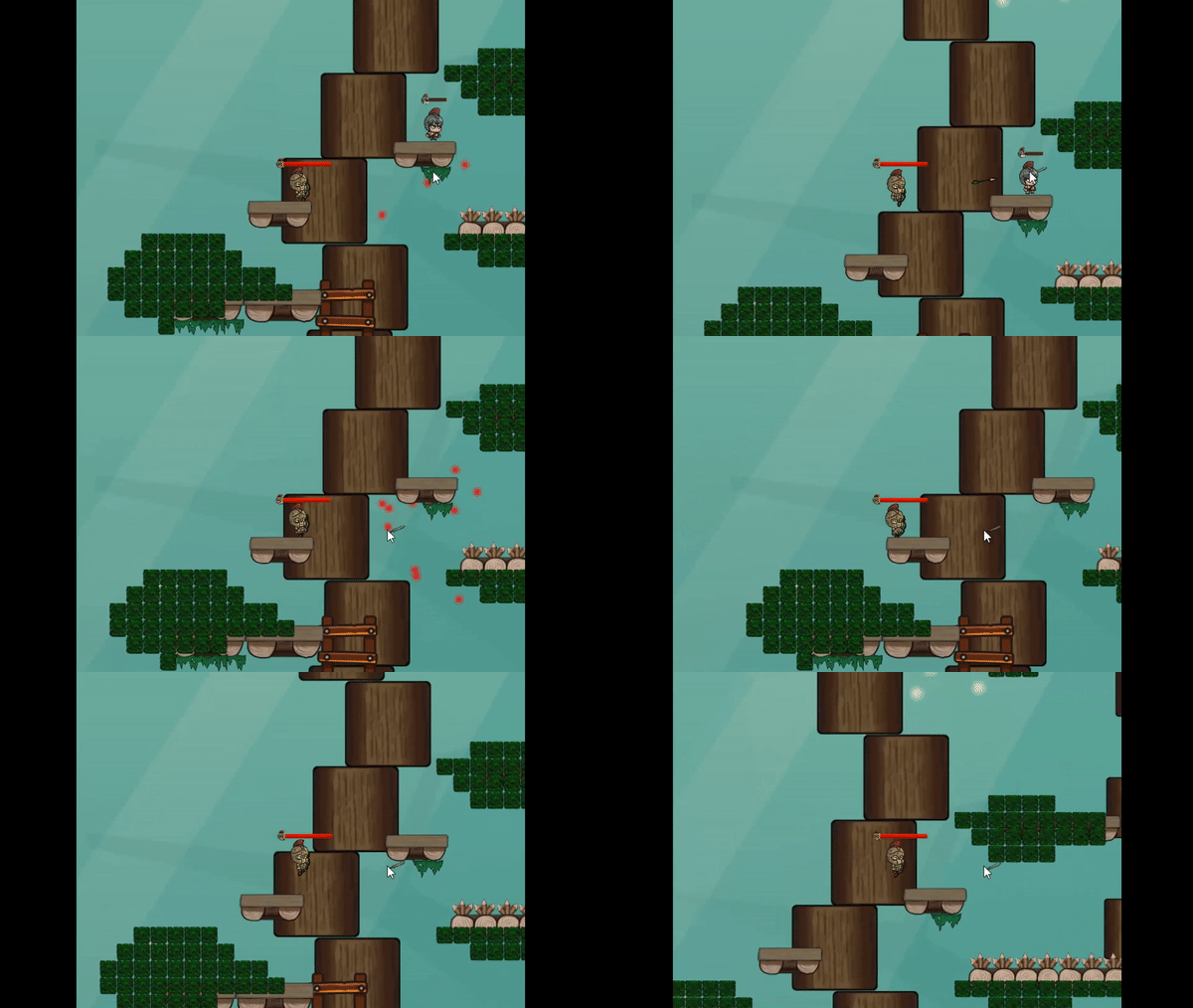
I contributed to this project mainly as a level designer, and designed the Treetops chapter. My intent when making the two levels of the Treetops chapter was to integrate all the mechanics we have for the player, and require the player to use all the mechanics pretty much evenly throughout the chapter. It also was planned as the last chapter of the game, so it had to be the most difficult level of the game.
A. Planning
I started planning the chapter by drawing the layout of the levels on my notebook.
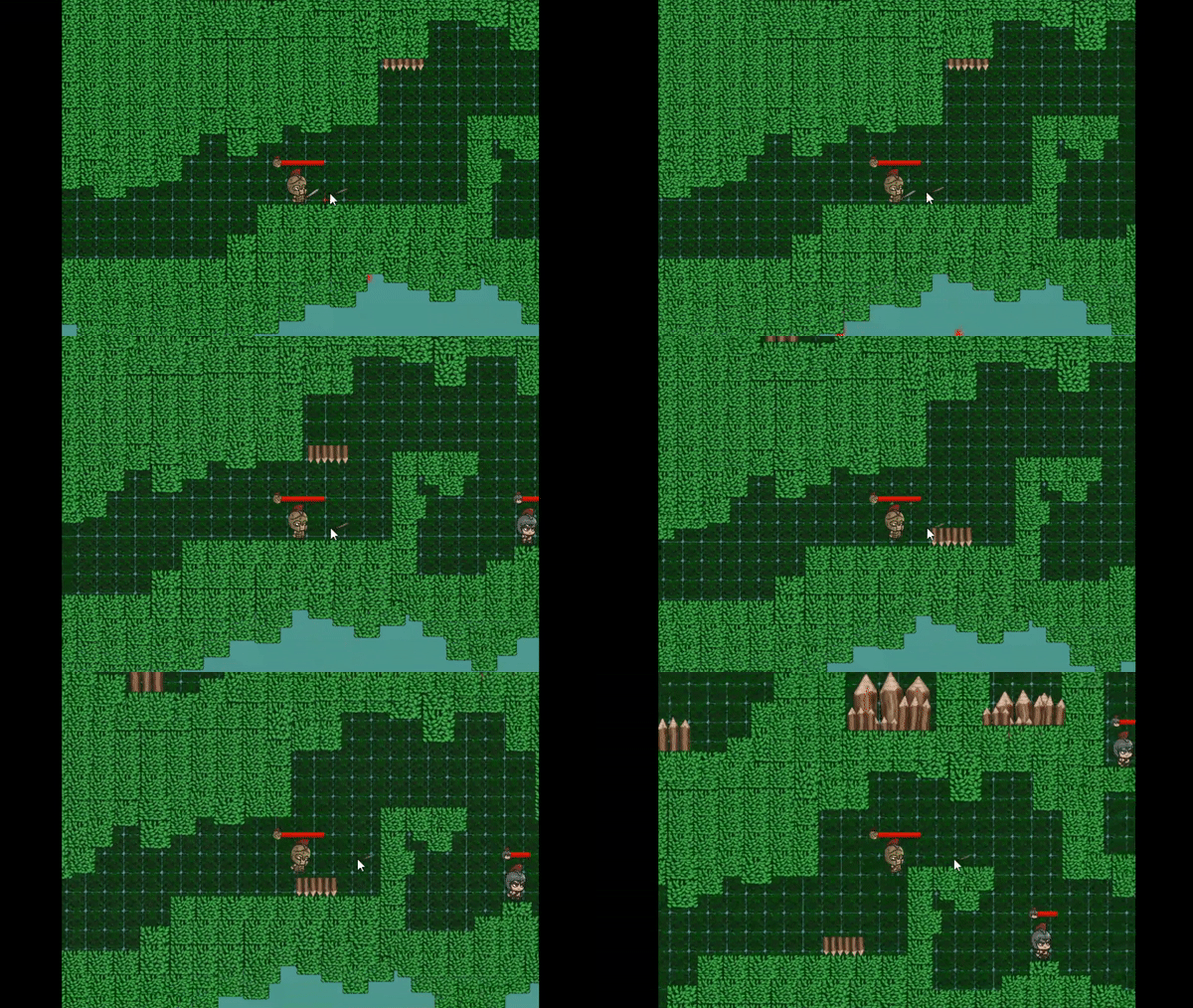
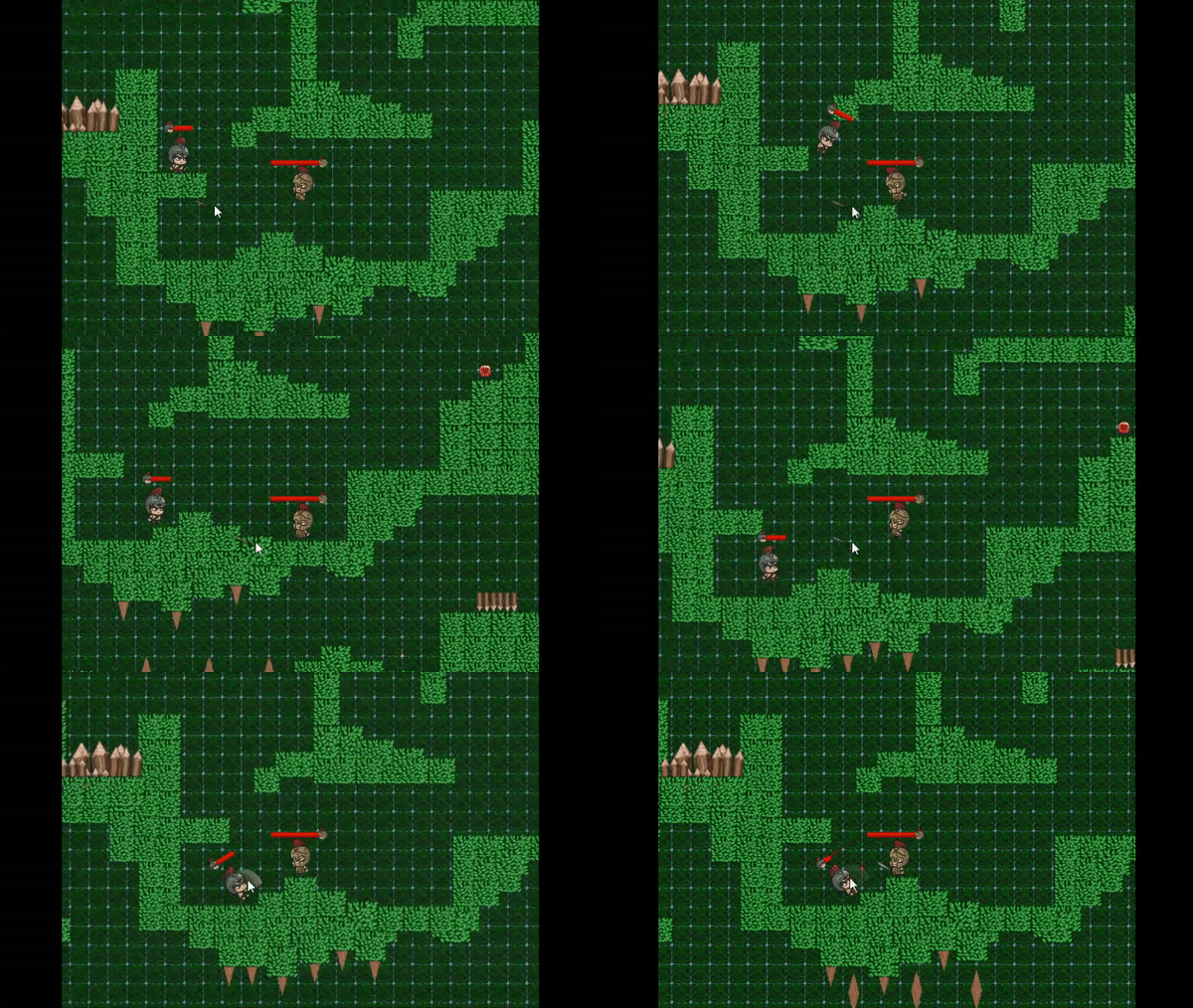
The first level of the chapter was planned to have more of a vertical progression by making the player jump up and down the branches and climb up ladders on the tree trunks. The second level had more horizontal movement and combat. It also had more environmental obstacles to keep the player on their toes, such as spiky floors and moving/falling spikes.


B. Blockout
After the planning stage, I started doing the block out of the two levels. First, I made the geography using Unity’s primitive 3D blocks. This step included deciding the unified metrics of the whole game. The player’s running speed, jumping height, dashing speed and distance, wall jumping height, and all the other values were decided during the block out process.
Then I made the chapter’s local mechanics such as the ladders and spikes, using C#. The ladders where trigger volumes that added vertical movement to the player’s movement. The spikes were damage volumes attached to the moving prisms. The movement of the spikes were done by lerping the object’s transform.
C. Aesthetics and Polishing
After the block out was confirmed that it has all the functionalities put in and metrics applied, I started applying art assets to the block out. I mainly used Unity’s tilemap system to apply 2D tile packages, but also placed some tiles as 3D game objects so that the leaves don’t look too blocky.

